Get Instagram Session ID
Follow the steps to retrieve your session token securely.Recommended Method (Chrome Extension)This is the simplest and most reliable approach.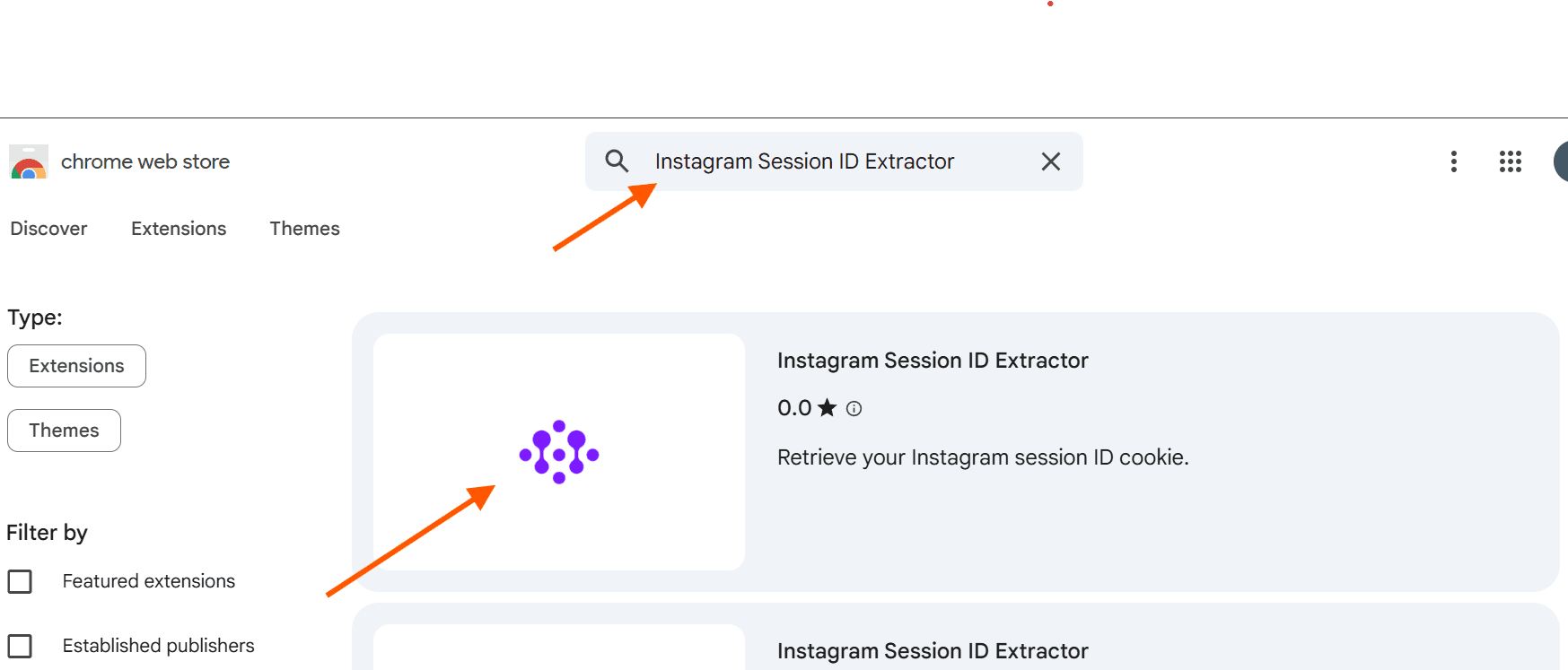 Example result (purple logo)
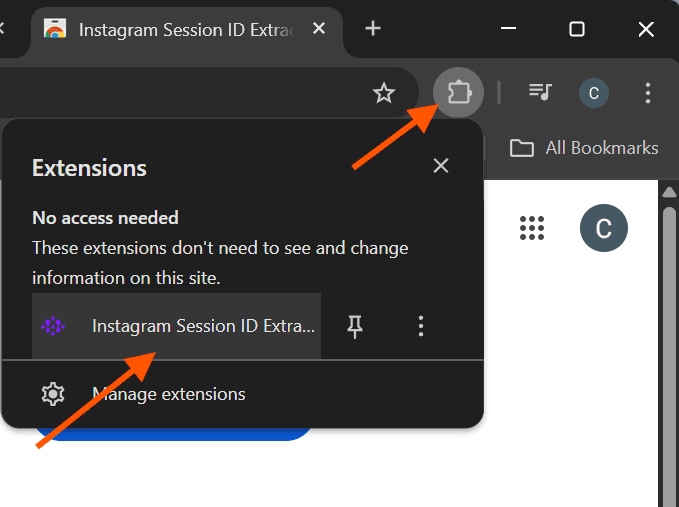 Install the extension
 Open the extension from the toolbar
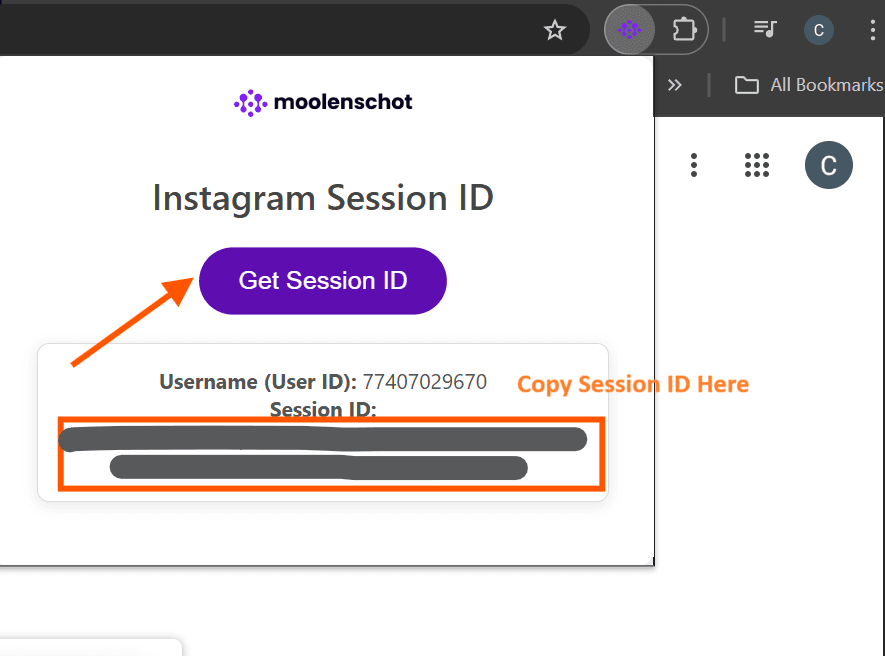 Click "Get Session ID" → copy
- Step 1: Go to https://chromewebstore.google.com/
- Step 2: Search "Instagram Session ID Extractor" and select the one with the purple logo.
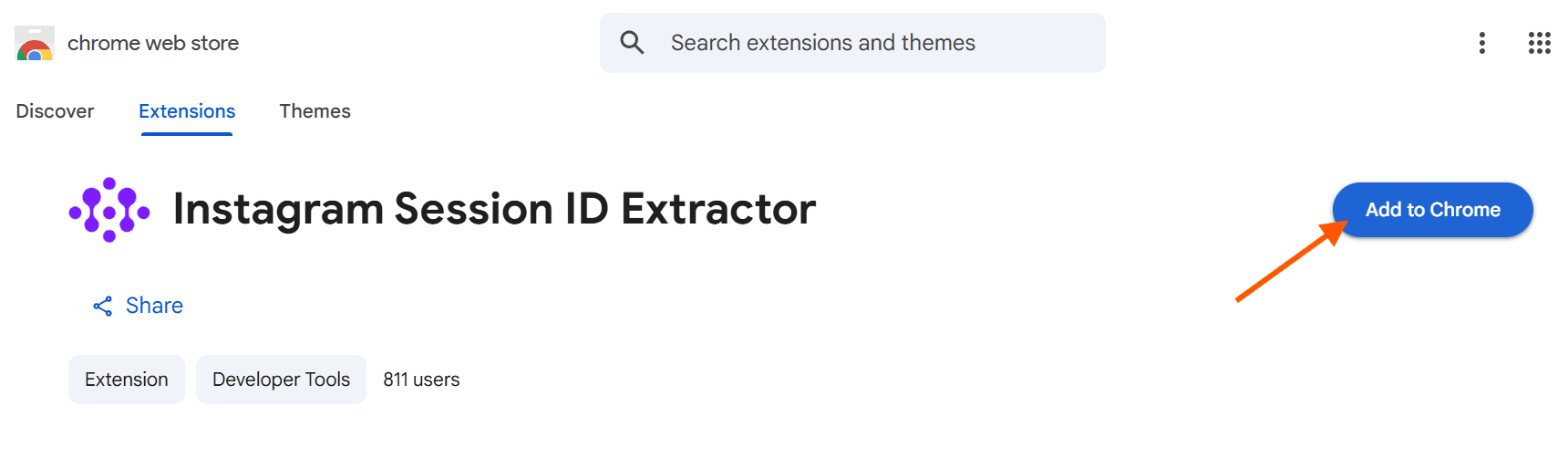
Example result (purple logo)- Step 3: Click "Add to Chrome".
Install the extension- Step 4: Click the "Extensions" icon in Chrome and launch "Instagram Session ID Extractor".
Open the extension from the toolbar- Step 5: Click "Get Session ID" and copy the session ID back to the portal.
Click "Get Session ID" → copyAlternative Method (Manual via DevTools)
- Log into Instagram using Chrome or Firefox.
- Open Developer Tools (F12 or right-click → Inspect).
- Go to Application → Cookies → https://www.instagram.com.
- Find the cookie named sessionid.
- Copy its value — this is your session token.
ImportantTreat your session ID like a password. Do not share it publicly. Rotate regularly if compromised.